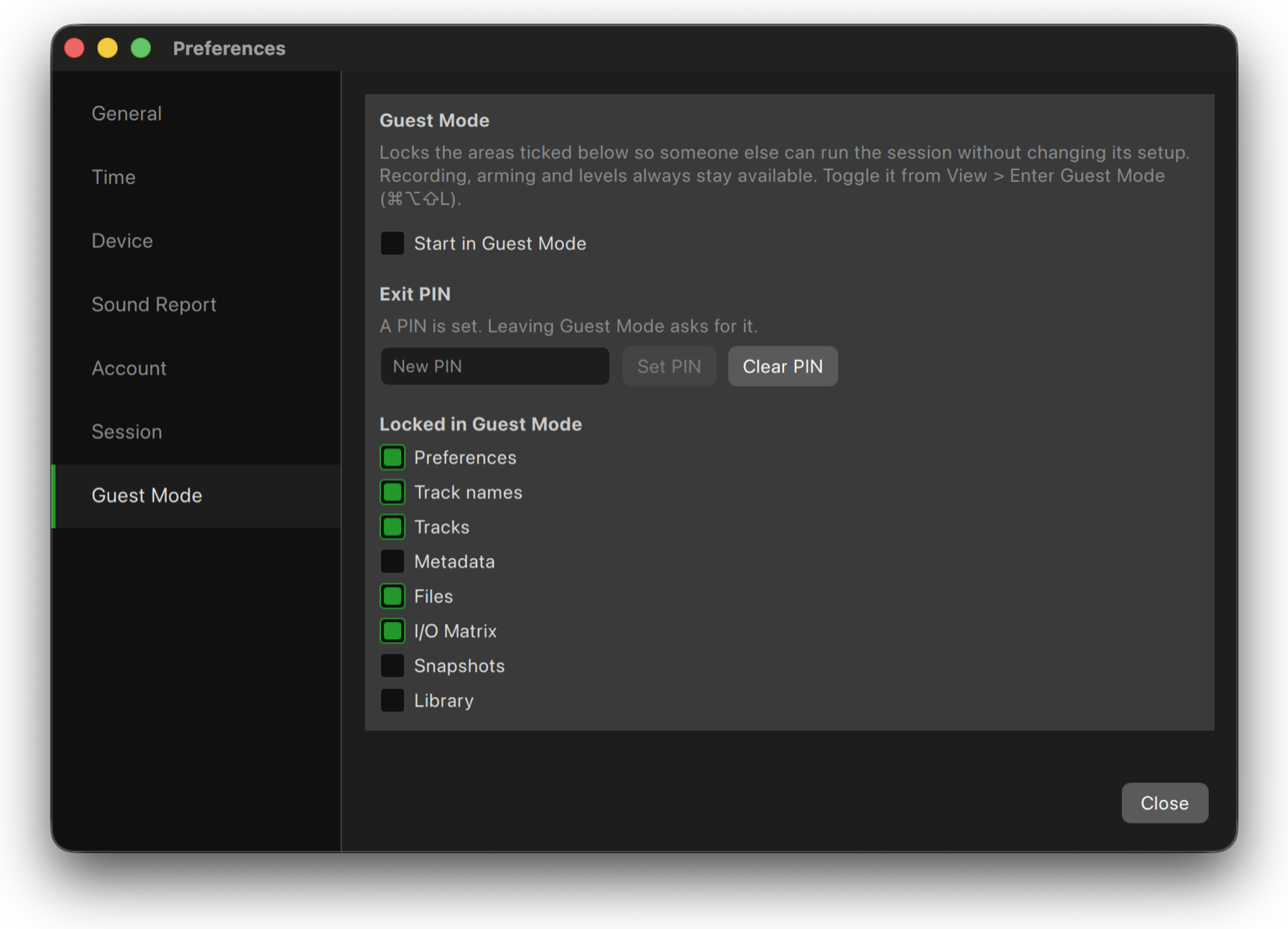
Tracks
Your command center for multitrack recording. Arm, name, reorder and monitor every track with meters you can configure your way. Choose horizontal or vertical layouts, customize scales, thresholds and colors, pin important tracks, switch between list and grid views, and add an image or emoji to identify sources at a glance. Whether you're recording two tracks or hundreds, Tracks keeps the information you need in front of you.
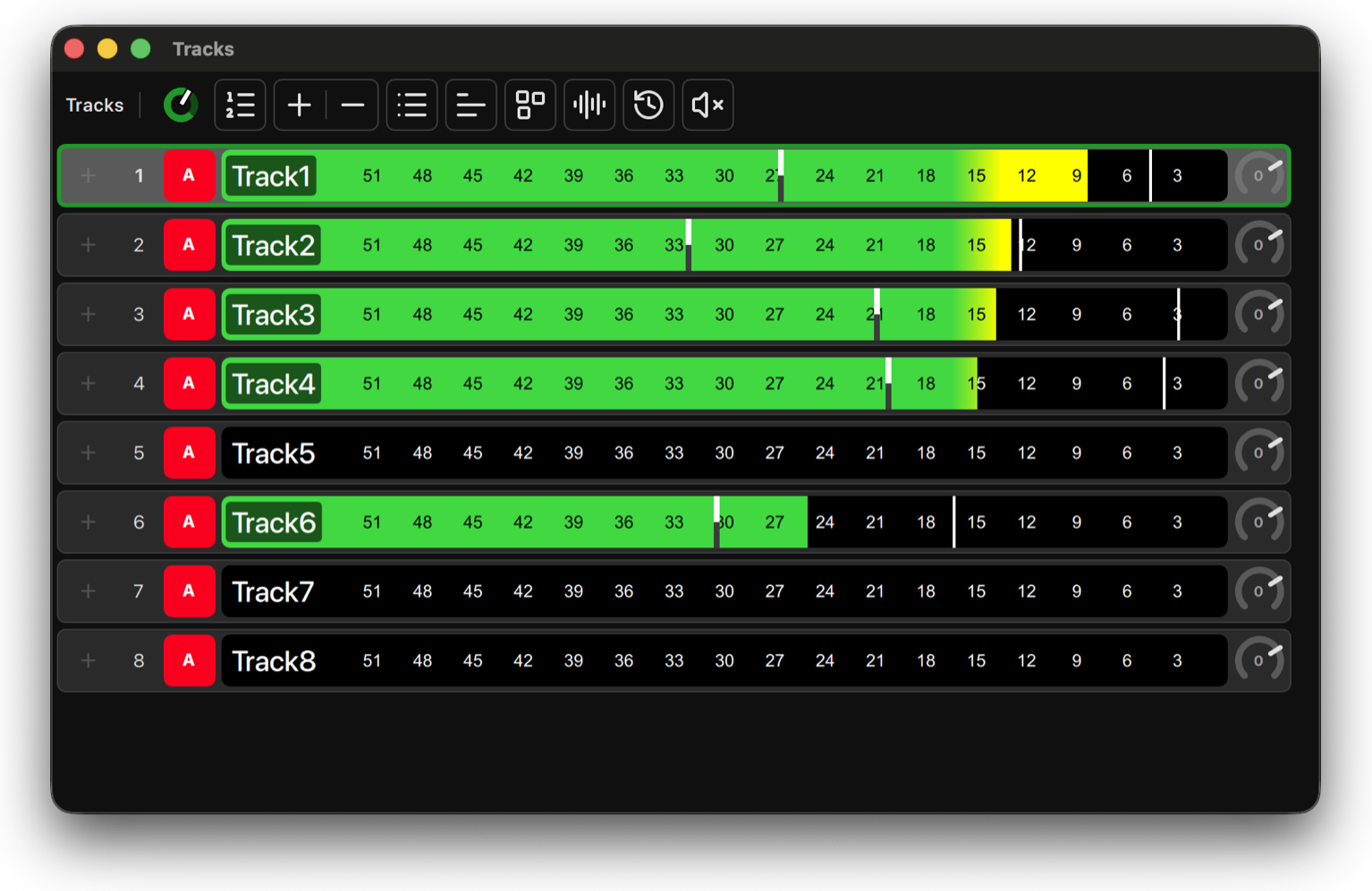
Metadata
Keep scene, take, roll, notes, markers and track information with your recordings from the moment you press Record. Edit metadata inside WildTrax, make changes across multiple takes, and carry that information through to delivery and Sound Reports without relying on separate spreadsheets or applications.
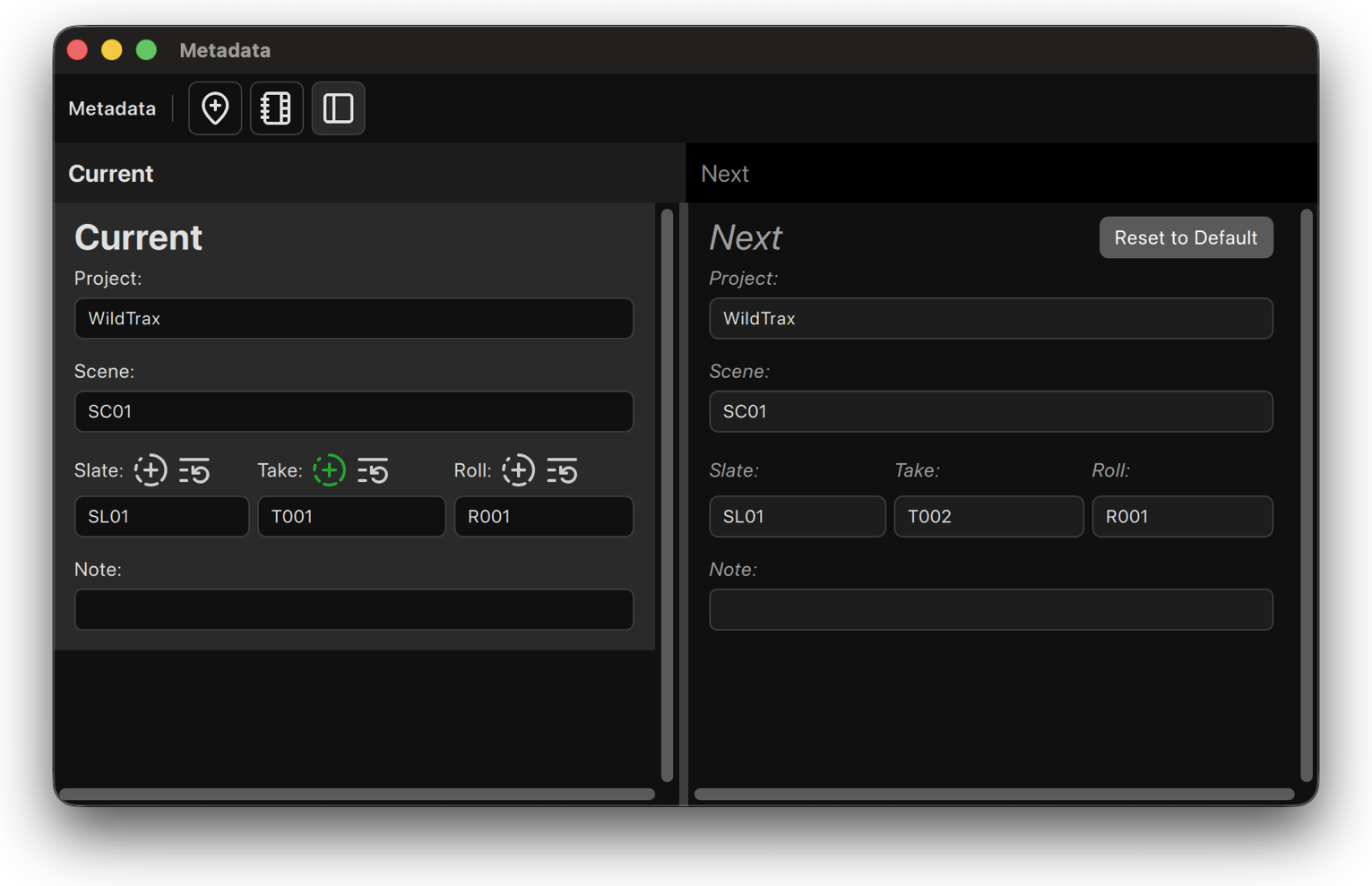
Files
Build the recording format your production needs. Record from 2 to 512 tracks, choose your sample rate and bit depth, and work with polyphonic or monophonic files. Define exactly where recordings are saved across drives, folders or network storage, giving you control over both the files WildTrax creates and where they go.
I/O Matrix
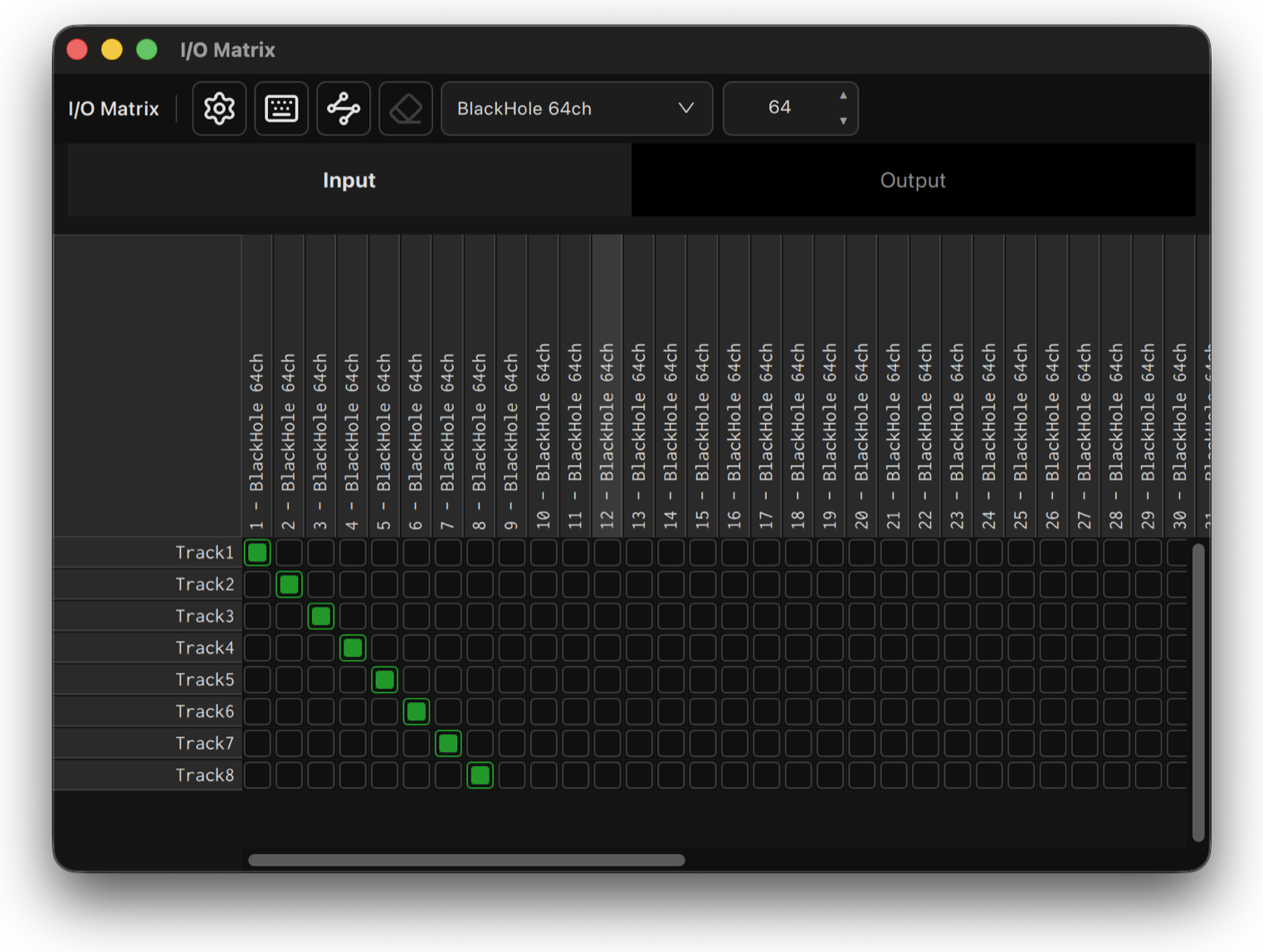
Inputs and outputs live together in one visual routing panel. Route device inputs to Tracks, then send monitoring and playback where you need it. On Dante, WildTrax can read channel names directly from the network, while Virtual I/O lets you build and patch a project before the hardware is even connected. Option click can patch an entire diagonal at once.
Snapshots
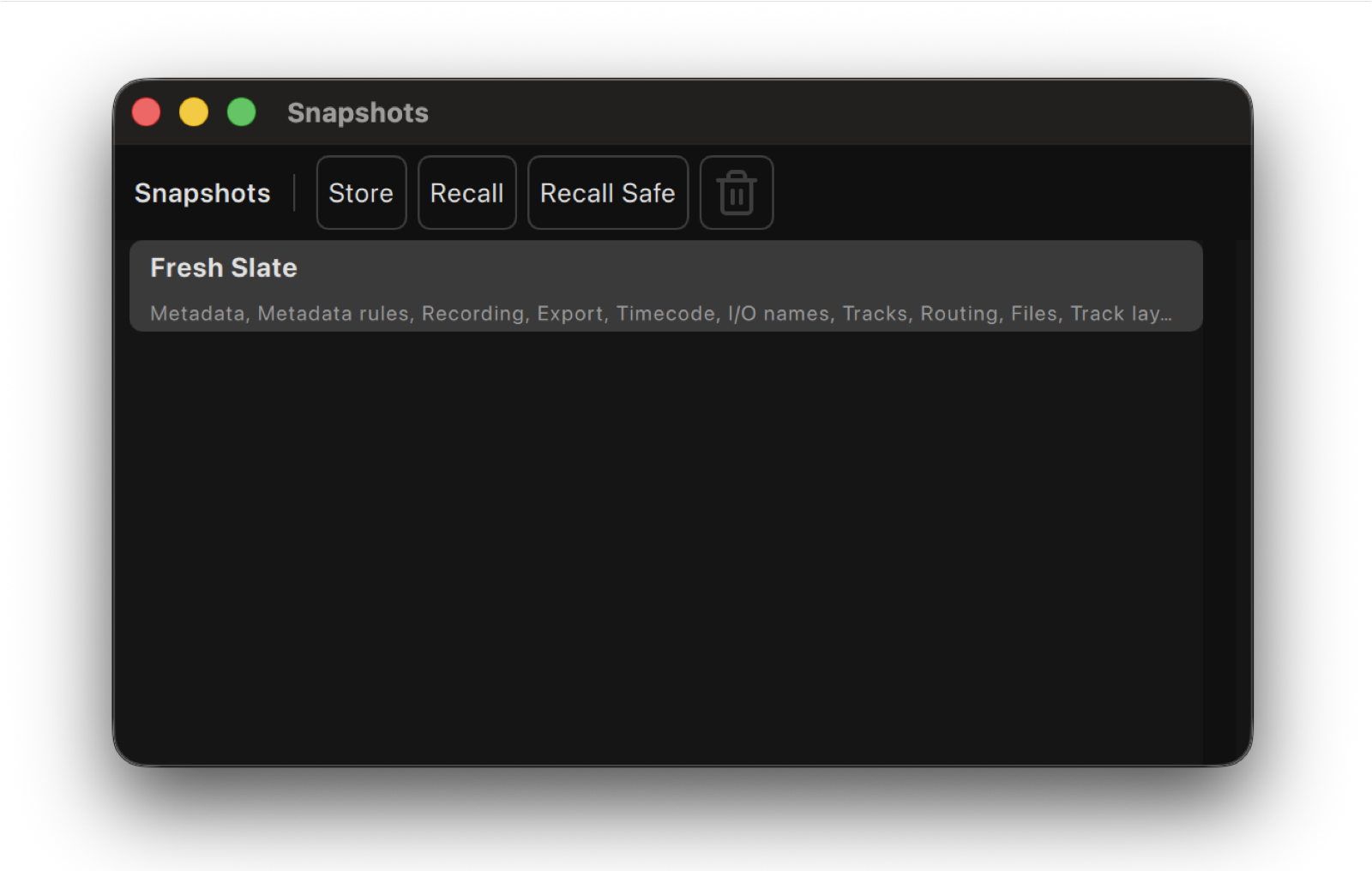
Save a configuration and bring it back when you need it. Snapshots can store the parts of your WildTrax environment you choose, including metadata, track names, routing, files, timecode and meter layouts, while Recall Safe protects anything you want left alone. Switch between scenes, casts, units or recording setups without rebuilding your session.
Library
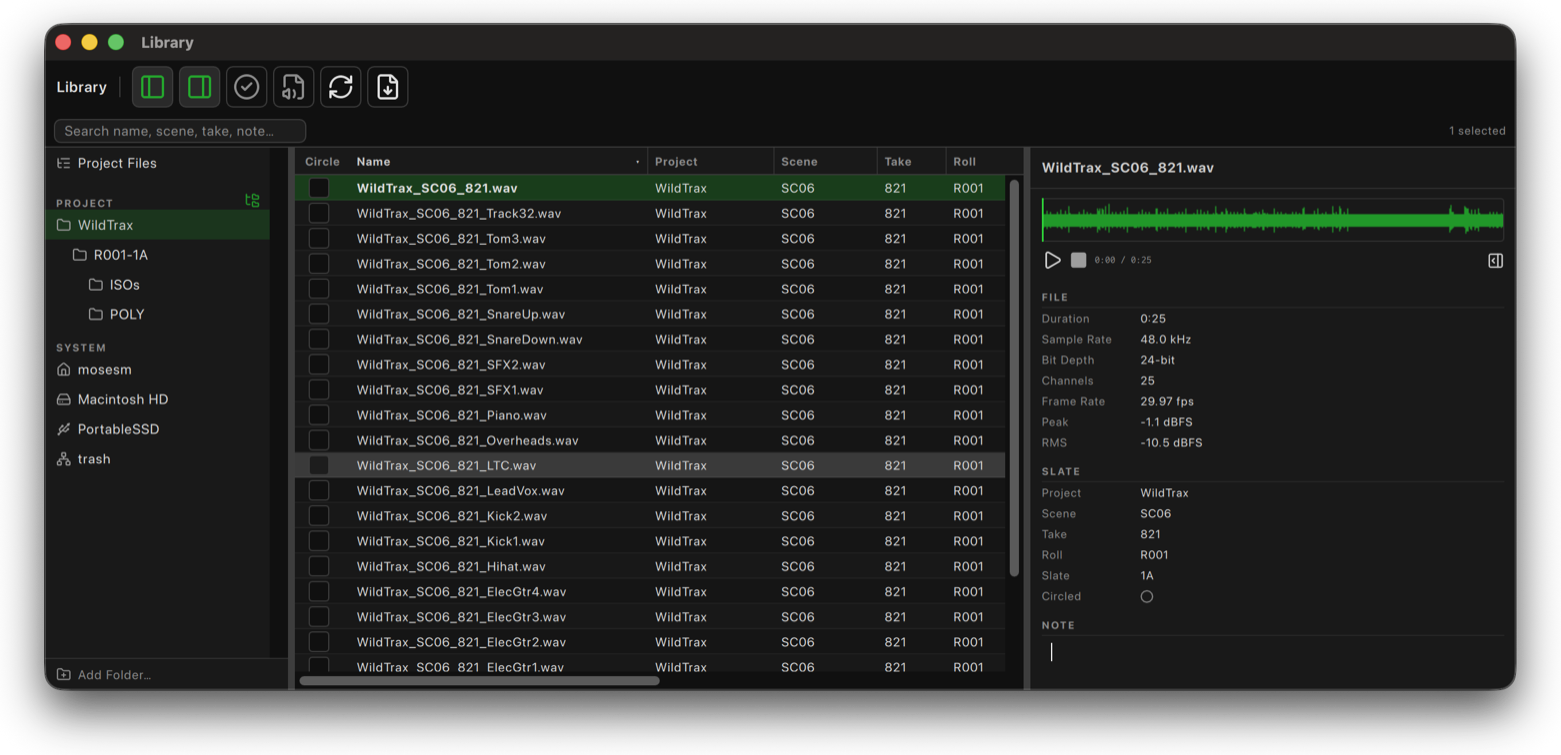
Browse, search and manage recordings from your current project, any folder, or media straight from a recorder. Search by name, scene, take or note, preview files with their waveforms, inspect file metadata, and make changes across multiple recordings at once. You can even format SD cards without leaving WildTrax.
Player
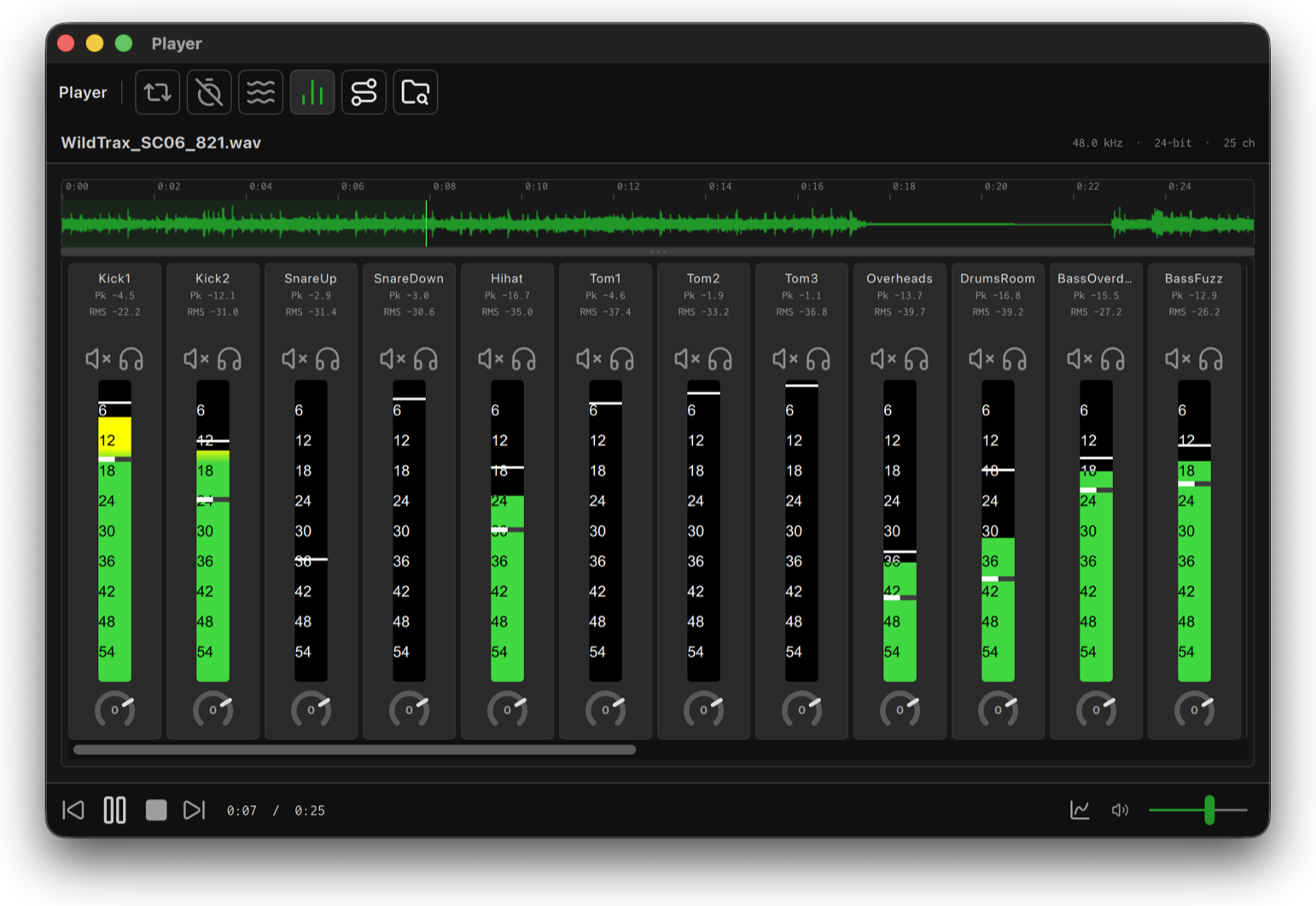
Review any multichannel recording with its waveform, timecode and transport controls. Each channel gets its own mixer strip, letting you isolate a boom, check a lav, or listen to the complete mix before delivery. Select a recording in the Library and it's ready to play.
Sound Report
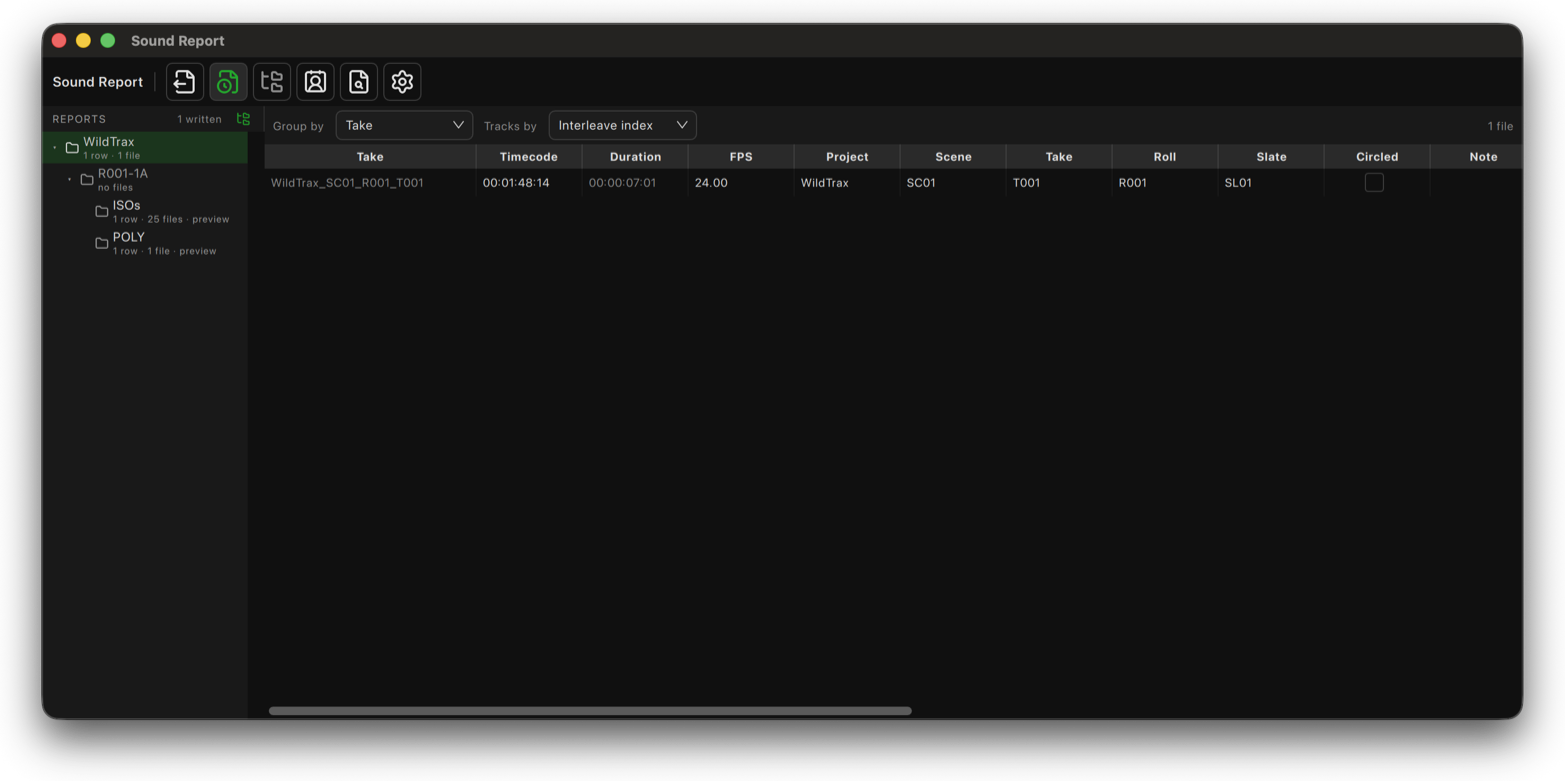
Build Sound Reports directly from your recordings. Takes appear with their metadata, timecode and file information and can be organized by take, scene, roll or circled status. Add contact information and custom fields, preview the report, then export a CSV or branded PDF with your own logo and track icons.
Timeline
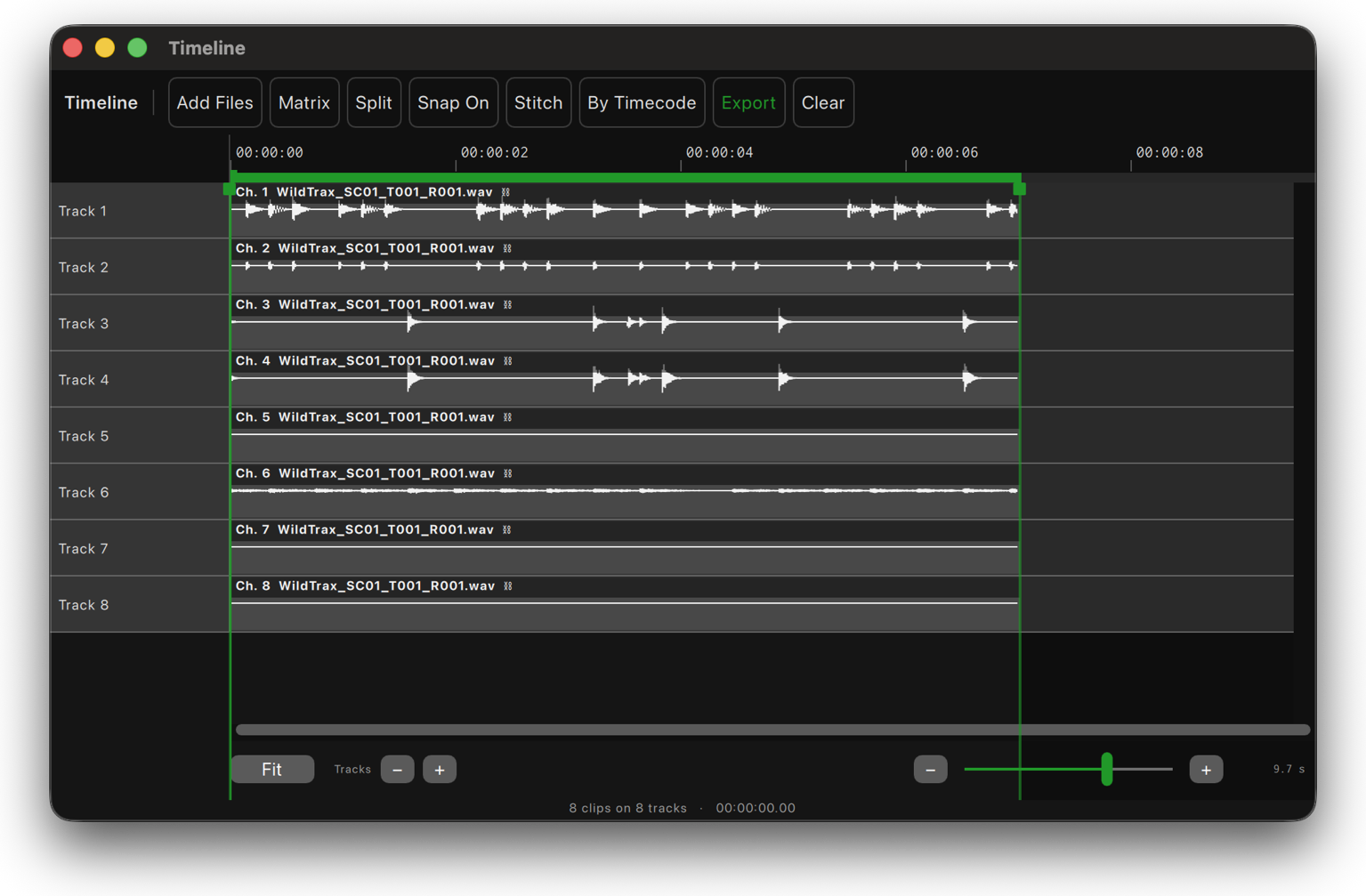
Create new files without changing your originals. Combine isos from multiple recorders into a poly file, stitch backup segments together, split poly files, or extract an exact range. Place by Timecode aligns recordings at their original timecode positions, making it easy to bring body pack isos and other separately recorded sources back together before delivery.
Spectrum Analyzer
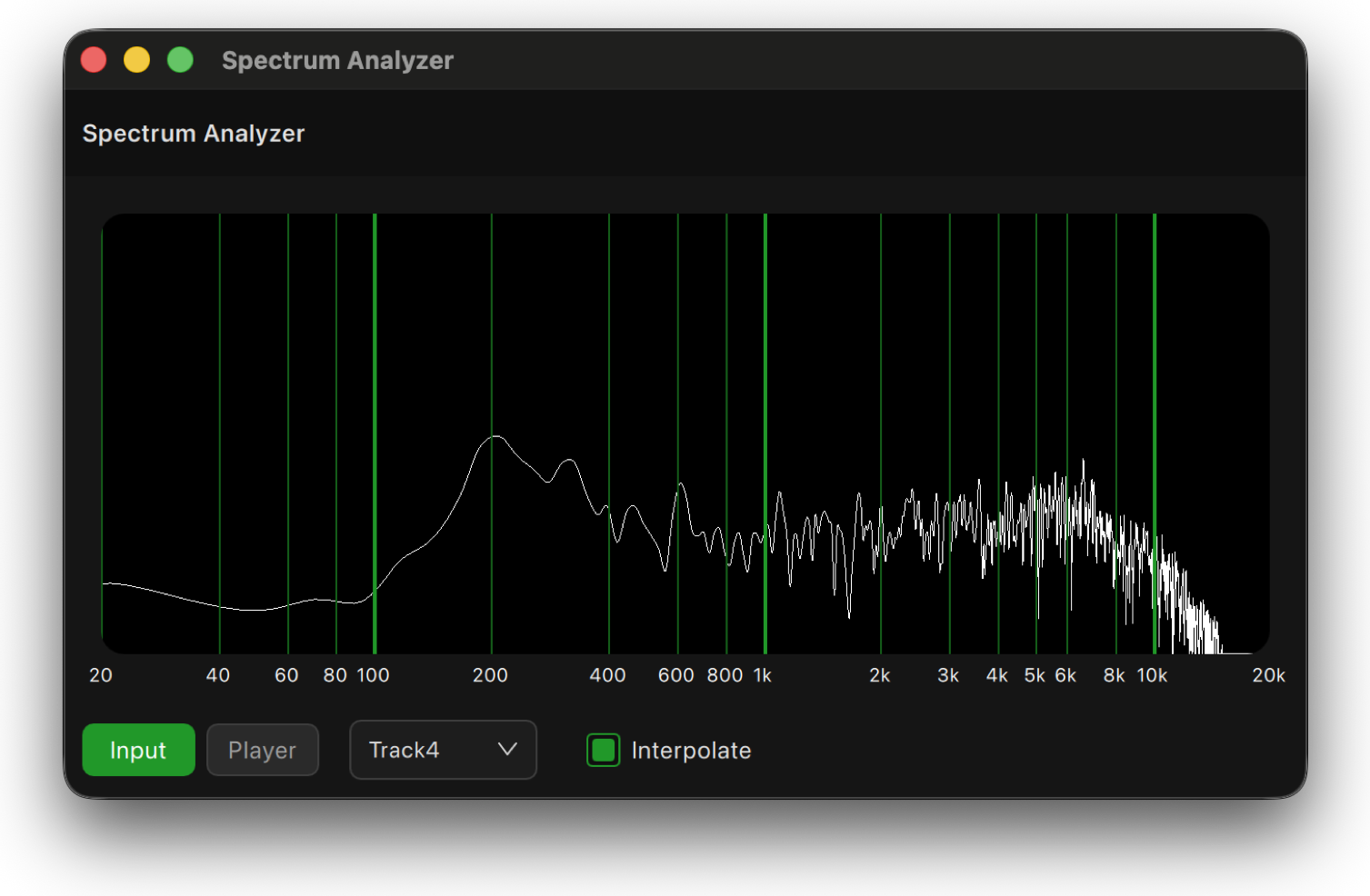
Visualize your audio in real time with the built in Spectrum Analyzer. Use it to investigate interference, identify frequencies, or monitor signal content from an input or a file playing in the Player. Adjustable scales and fast visual feedback make it useful for both troubleshooting and everyday monitoring.
Sample Pad
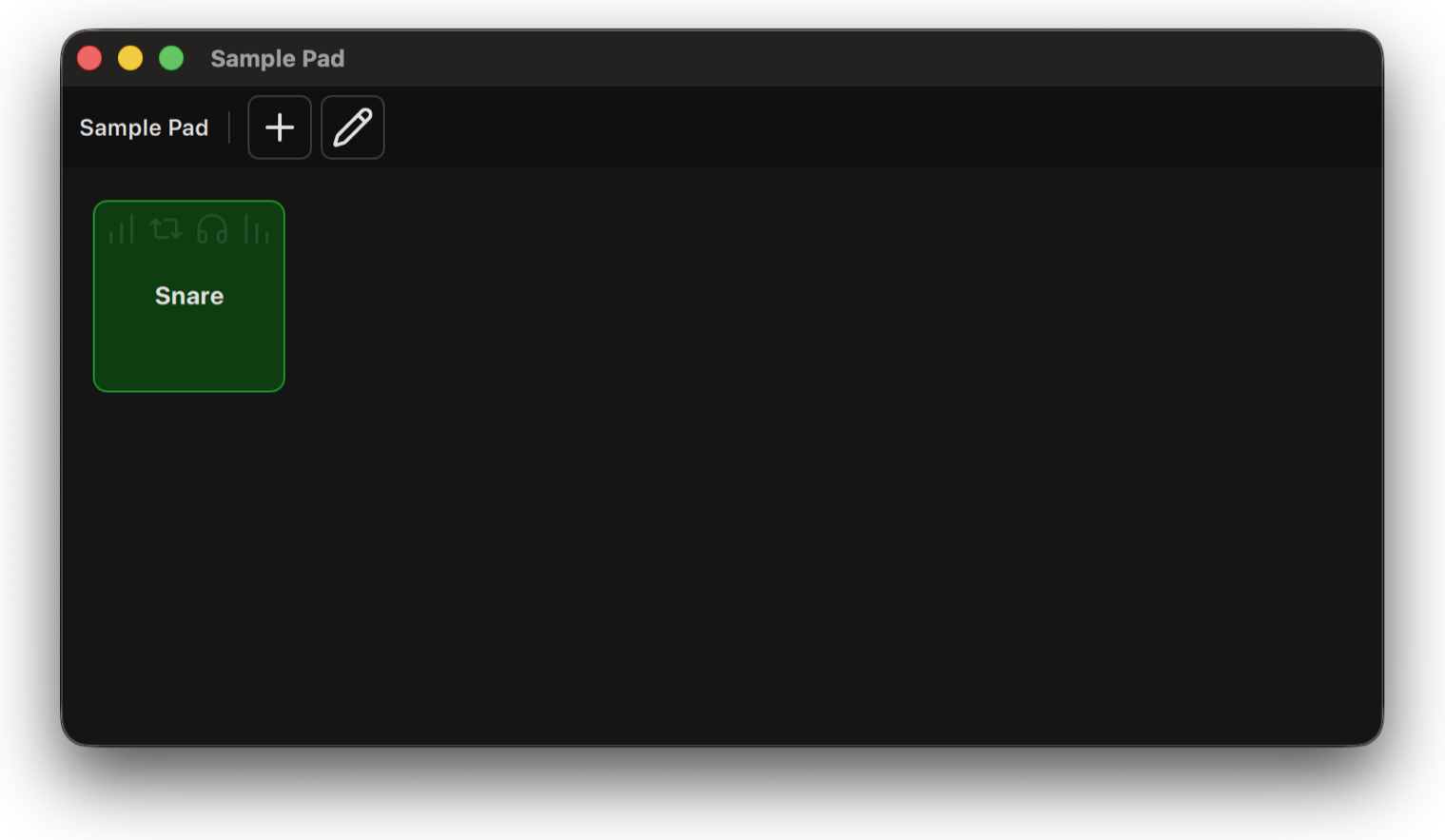
Load WAV files for instant playback during a session. Customize individual pads with fade controls, solo, looping and background colors, then trigger sound effects, music cues or other audio directly from your WildTrax workspace.
Playlist
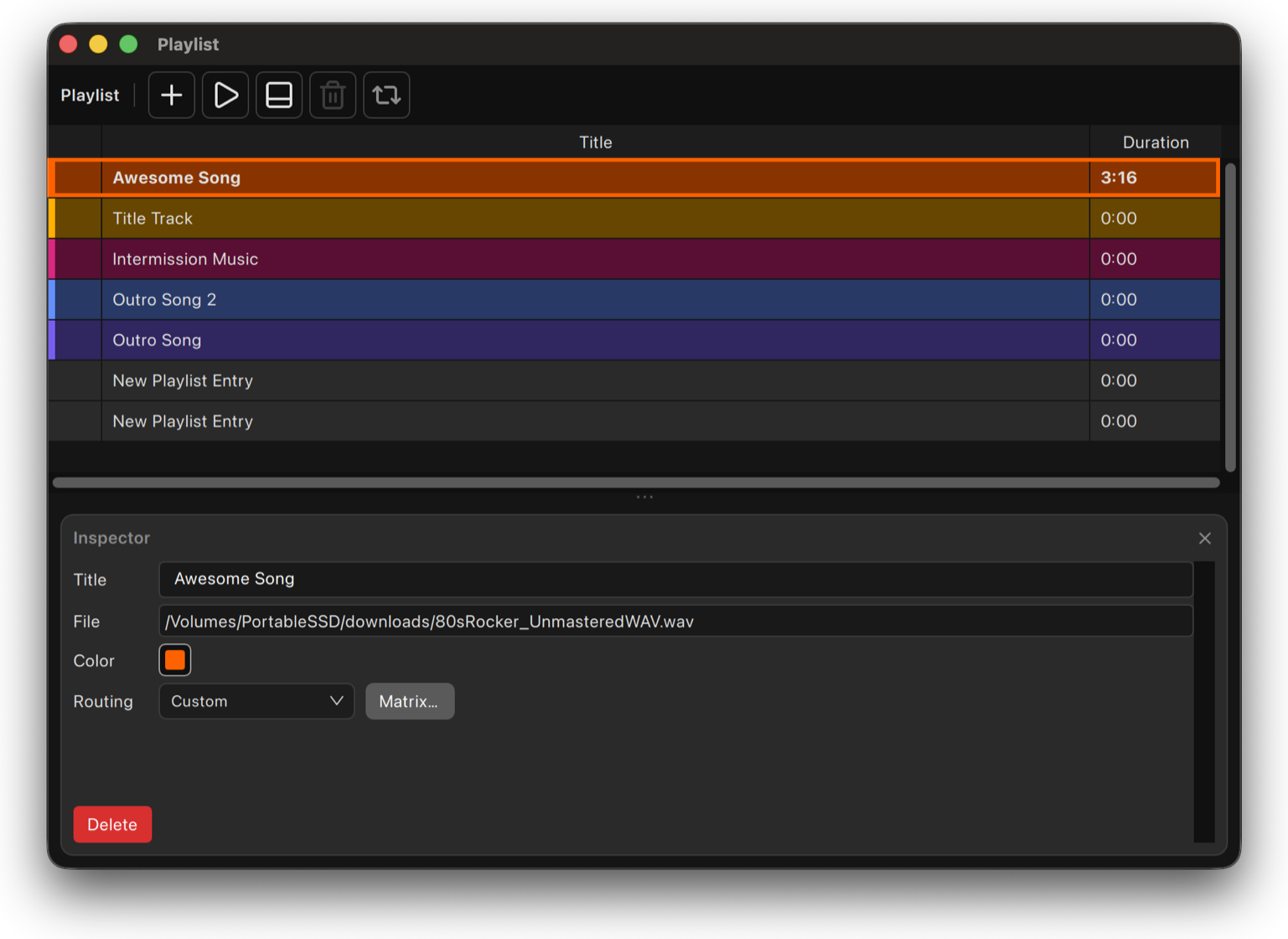
Build a playback queue for reviewing recordings or running a sequence of files. Add custom titles and colors, arrange multiple recordings, and play them sequentially without leaving your workspace. Use it for client review, session playback, or any workflow that needs an organized playback list.
Toolkit
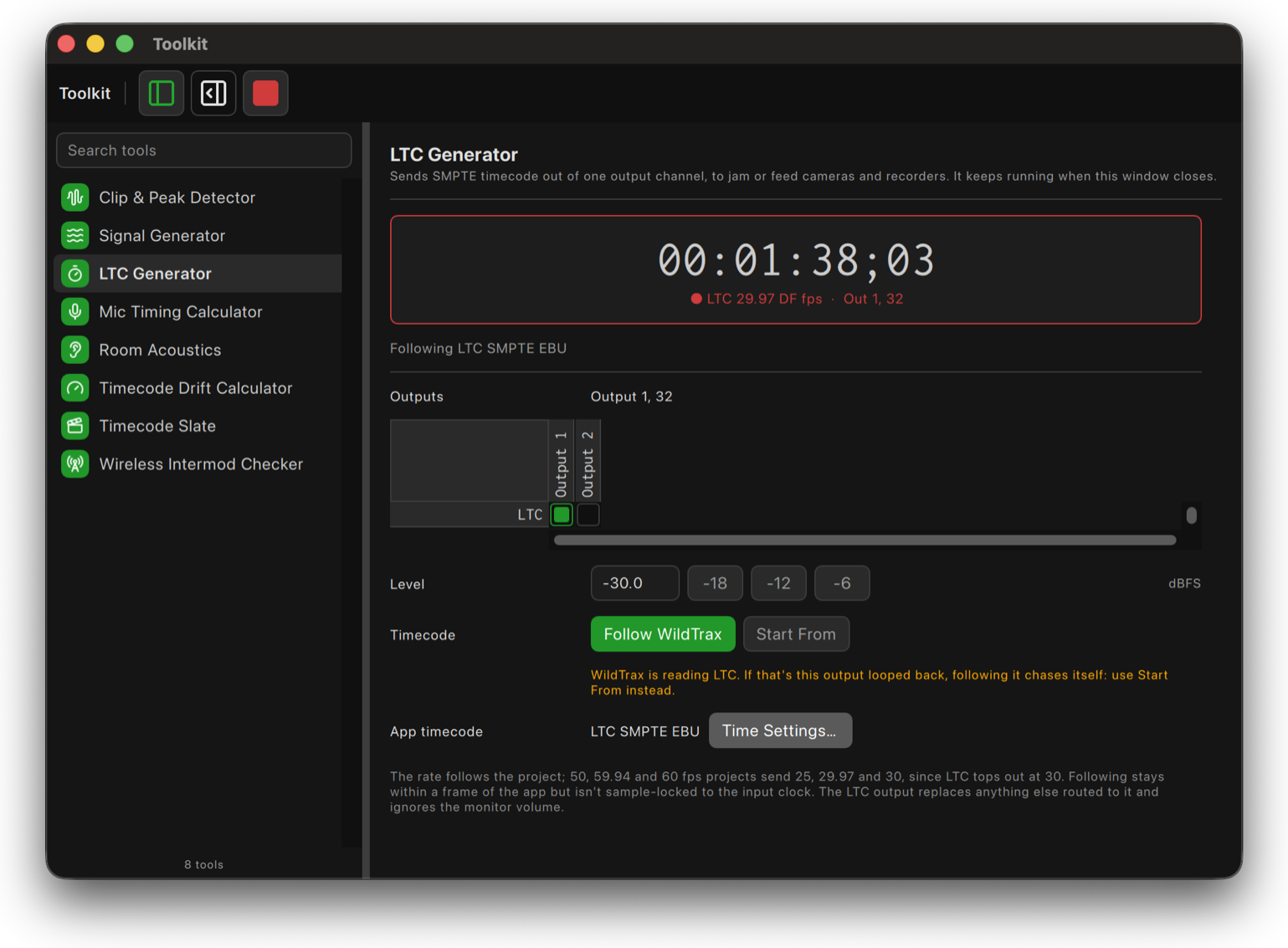
A collection of utilities for preparing, checking and working with audio. Find clipping and peaks channel by channel, generate tones, sweeps and noise to a file or directly to your outputs, and generate SMPTE timecode with the LTC Generator. Toolkit utilities can also open as individual panels, so the tools you use can become part of your workspace.
Remote Control
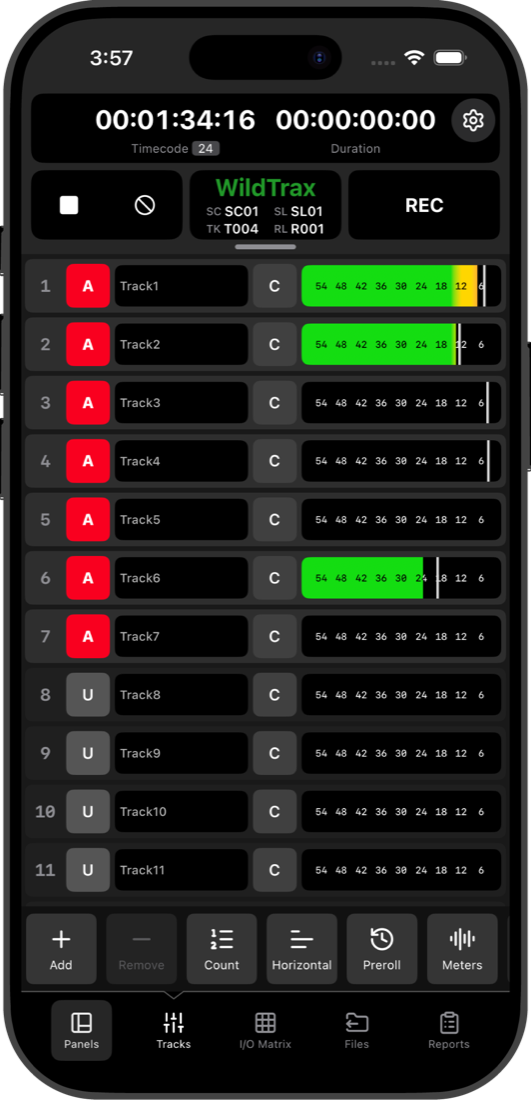
WildTrax can connect to the rest of your production environment. Use WildTrax A2 from an iPhone or iPad, put WildTrax controls and feedback on Stream Deck, or integrate it into Bitfocus Companion. Full OSC and HTTP control also let TouchOSC, show control systems and custom applications communicate directly with WildTrax, giving you the freedom to build the control workflow that works for you.
Guest Mode
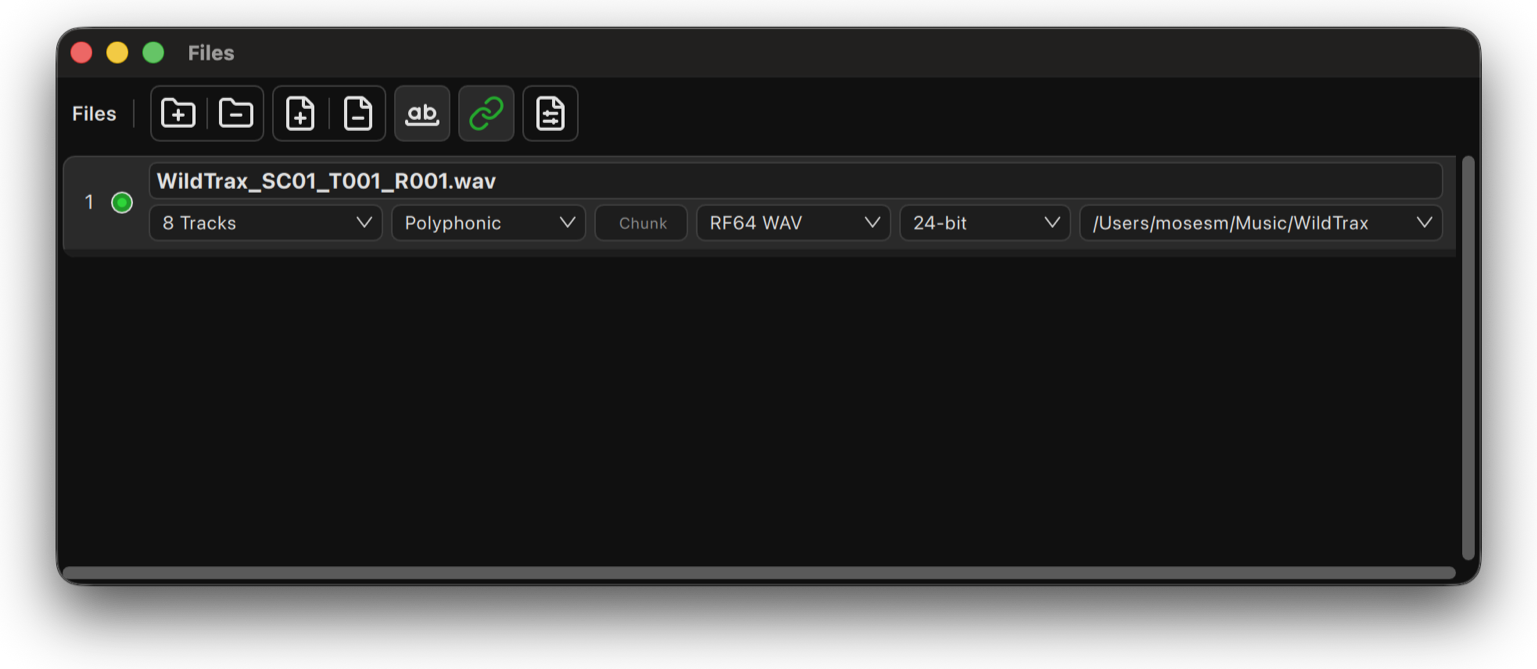
Hand off a session without handing over your setup. Choose which parts of WildTrax remain locked while a second operator, client or trainee uses the system. Recording and transport remain available, while an optional PIN protects the configuration you've built.